
I Don't Want my Listing to Appear to Students Anymore, how can I Take it Offline?
I don't want my listing to appear to students anymore, how can I take it offline?
If your rental is no longer available, taking it offline is fast and easy to do. We appreciate your helping us to keep the website accurate and reliable by removing unavailable rentals.
✩ Follow these steps: ✩
- LOG IN to your account

- Select MY LISTINGS
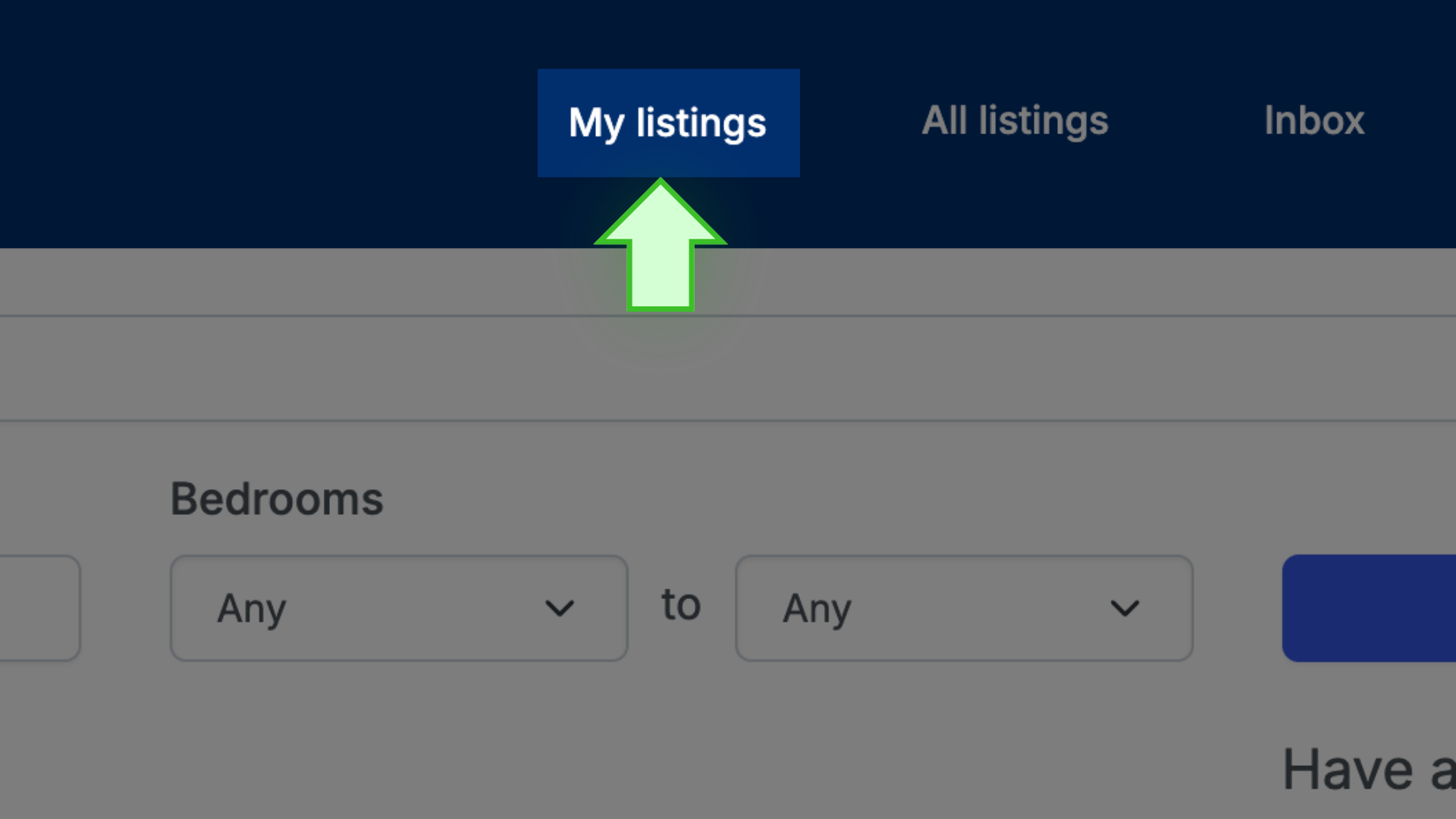
- Click on the address/title of the listing to get to the listing’s public page

- Above the photo display, select MARK AS RENTED

That’s it!
✩ PRO TIP ✩ The listing will be saved in MY LISTINGS. There is no need to recreate the same listing each time you advertise. When you are ready to advertise it again, go to MY LISTINGS, select the green POST button next to the listing, and purchase the listing. Use the EDIT feature to change the available date, rent, etc.