
My Listing is Online, and I Need to Change Some Information. Can I Make Changes to my Posted Listing?
My listing is online, and I need to change some information. Can I make changes to my posted listing?
Changing the details about your rental is very easy to do. Keeping your rental information updated and accurate is very important to those who are searching for housing so that they trust jumpoffcampus.com a reliable platform.
✩ Follow these steps: ✩
- LOG IN to your account

- Select MY LISTINGS
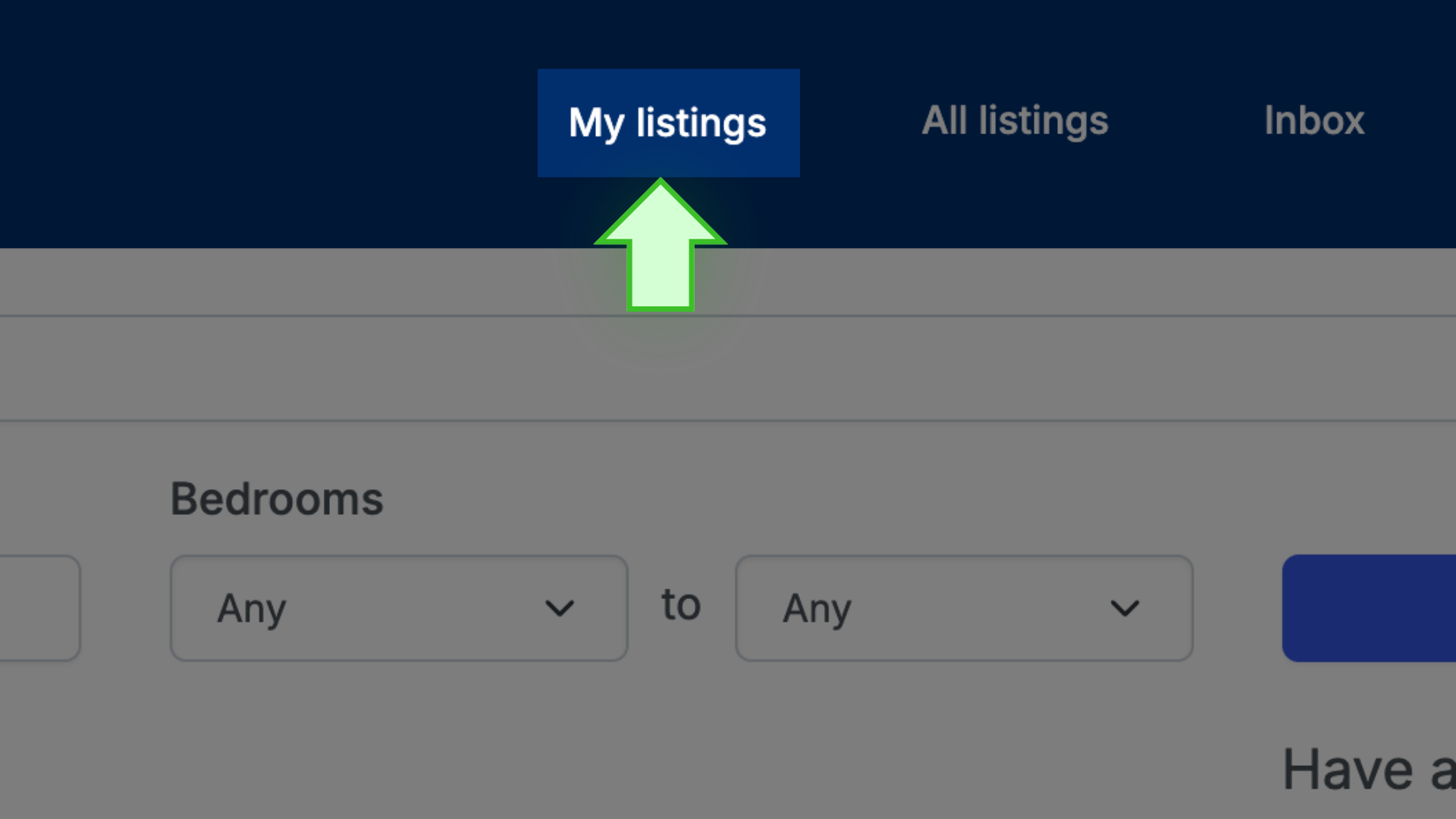
- Next to the listing that you want to update, select EDIT LISTING

- A new page will open

- Change your details
- Lastly, scroll down to the bottom of the page and select SAVE to lock in your changes.

✩ PRO TIP ✩ If the changes do not save, it might be because you are missing some information. Start at the top of the page and make sure all the fields are filled in, either by typing the information or using the dropdown menus. Once you are done, scroll down and select SAVE.