
Can I Add New Photos To My Live Listing?
The photos of my rental are old. Can I add new photos?
Yes, you can add new photos, and we appreciate your doing so. Having pictures that accurately depict the current appearance of the rental is very helpful to those who are searching for housing.
✩ Follow these steps: ✩
- LOG IN to your account

- Select MY LISTINGS
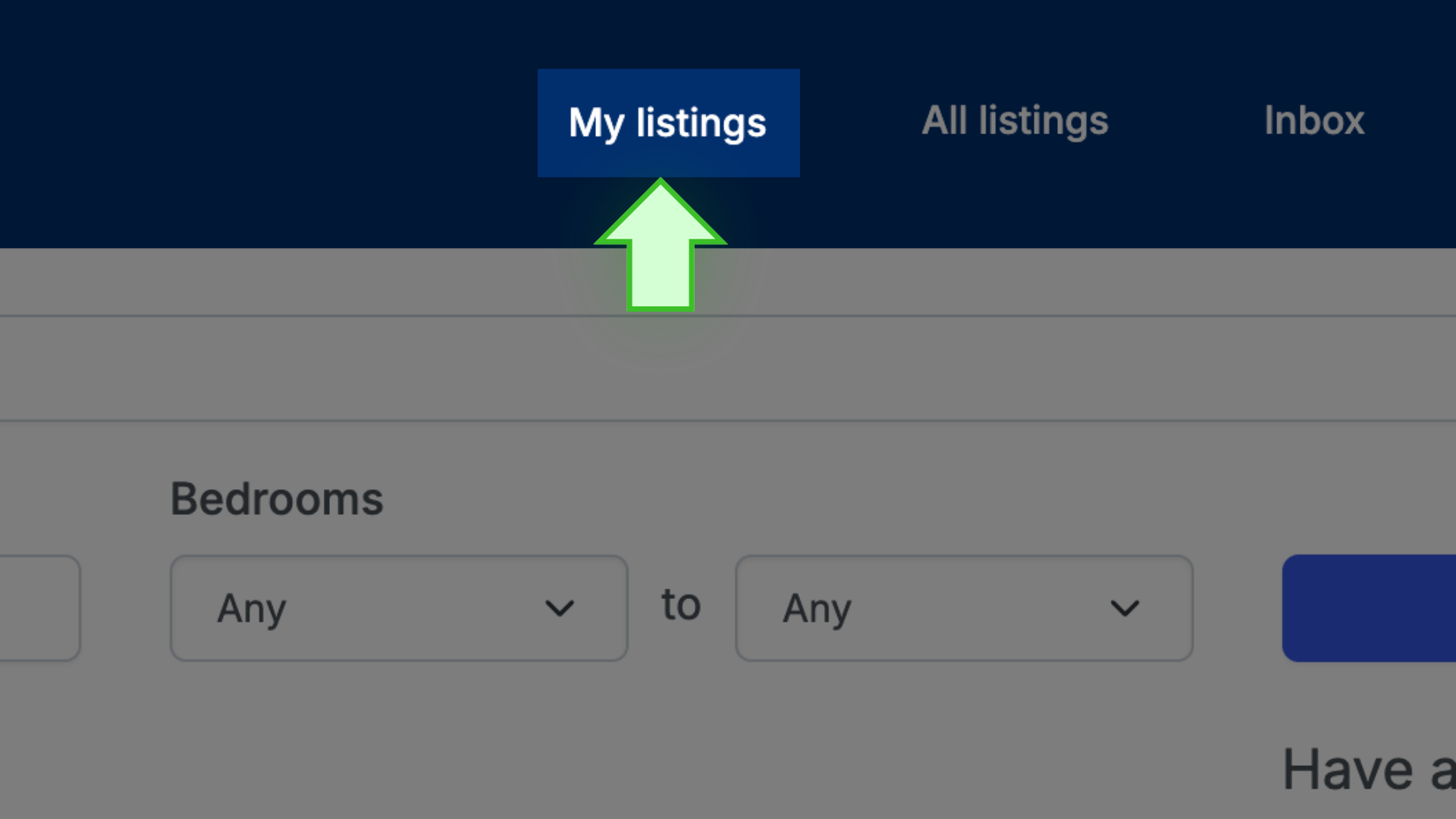
- Click on the address/title of the listing to open the listing’s public page

- Above the photo display, select EDIT IMAGES. A new page will open

- To remove any unwanted photo, simply select DELETE next to the photo

- To add your new photos, scroll down
- Select BROWSE FILES. Find the photos you want to add on your device, and then select the photos to upload to your listing. The function in use here is the same as attaching an image to an email or text. You will then see the selected photos added to your current list

- Lastly, select ALL DONE to save your changes

That’s it!