
I Do Not Want the Exact Address of my Rental Listed on the Website, How Can I Change This on My Listing?
I do not want the exact address of my rental listed on the website, how can I change this on my listing?
No worries! We respect your privacy, and that is why there is an option that prevents the full address of the rental from being published on the website. When creating a listing, there is an option that can be selected labeled as KEEP THIS ADDRESS PRIVATE. Checking the box ensures the street address will not be published on the website. The city, state, and zip code will be shown.
If the listing is already online with the address published, it very easy to take the address offline.
✩ Follow these steps ✩
- LOG IN to your account

- Select MY LISTINGS
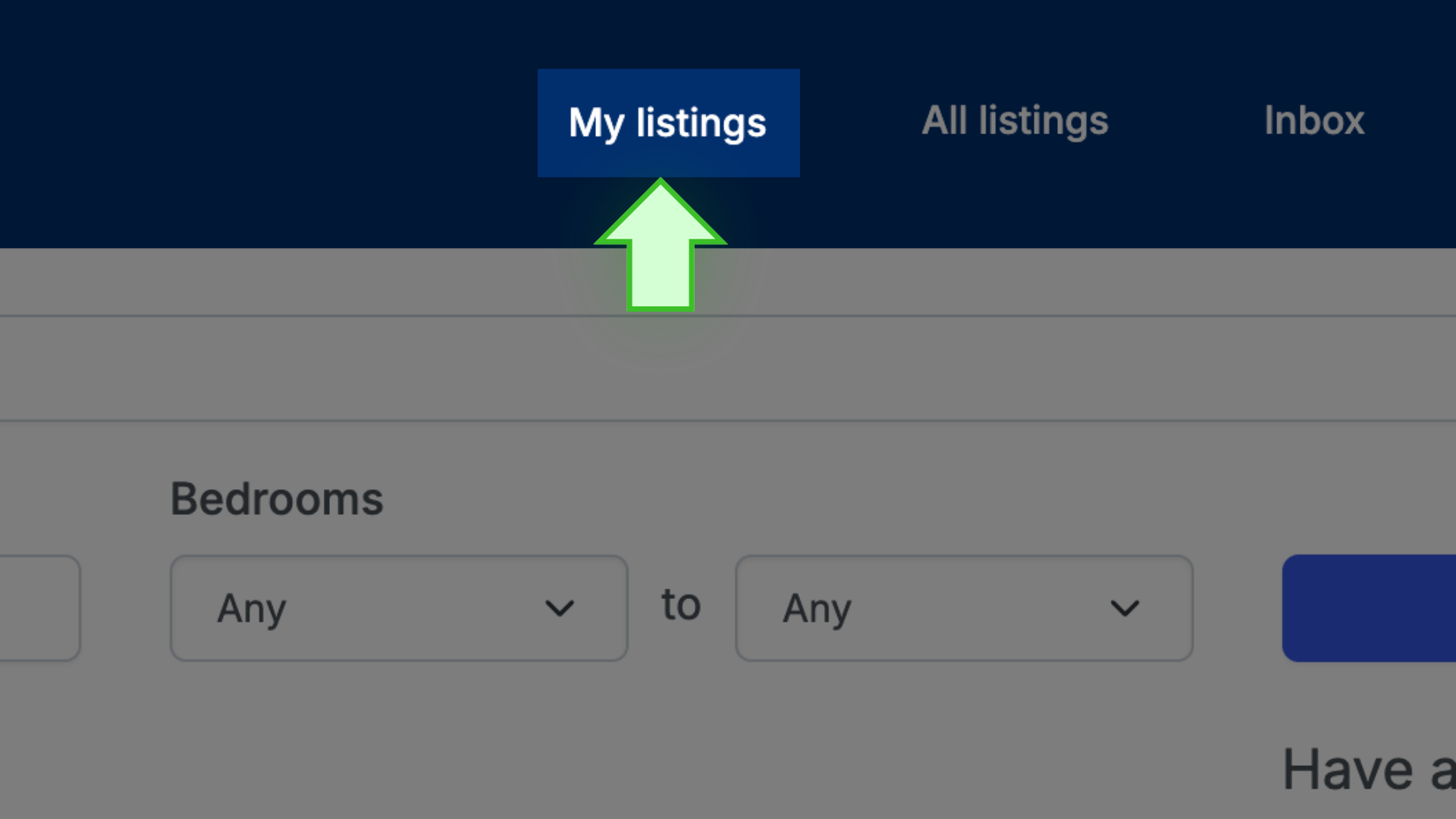
- Next to the listing, select EDIT LISTING

- Scroll down to where the ZIP CODE field is located

- Under the ZIP CODE field, check the box that says KEEP THIS ADDRESS PRIVATE

- Scroll down to the bottom of the page and select SAVE

- A new page opens
- Scroll down to the bottom and select ALL DONE

✩ PRO TIP ✩ If these steps are followed, the house address will not be published; however, the approximate location of the property will be shown on the map.