
I Have Read and Responded to all the Mail in my Inbox. How do I Clear Out my Inbox?
I have read and responded to all the mail in my INBOX. How do I clear out my INBOX?
Once you have read all of your messages, and responded to them, moving them out of the way to make room for new messages is a great way to keep your INBOX organized. Although messages cannot be permanently deleted, the ARCHIVE function can be used to move them out of your INBOX.
✩ Follow these steps ✩
- LOG IN

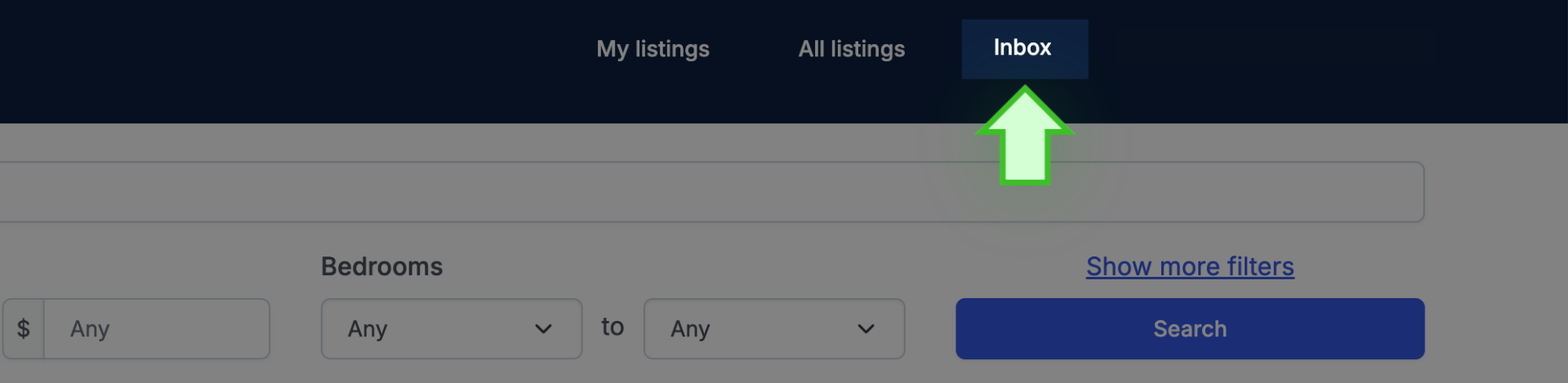
- Go to INBOX
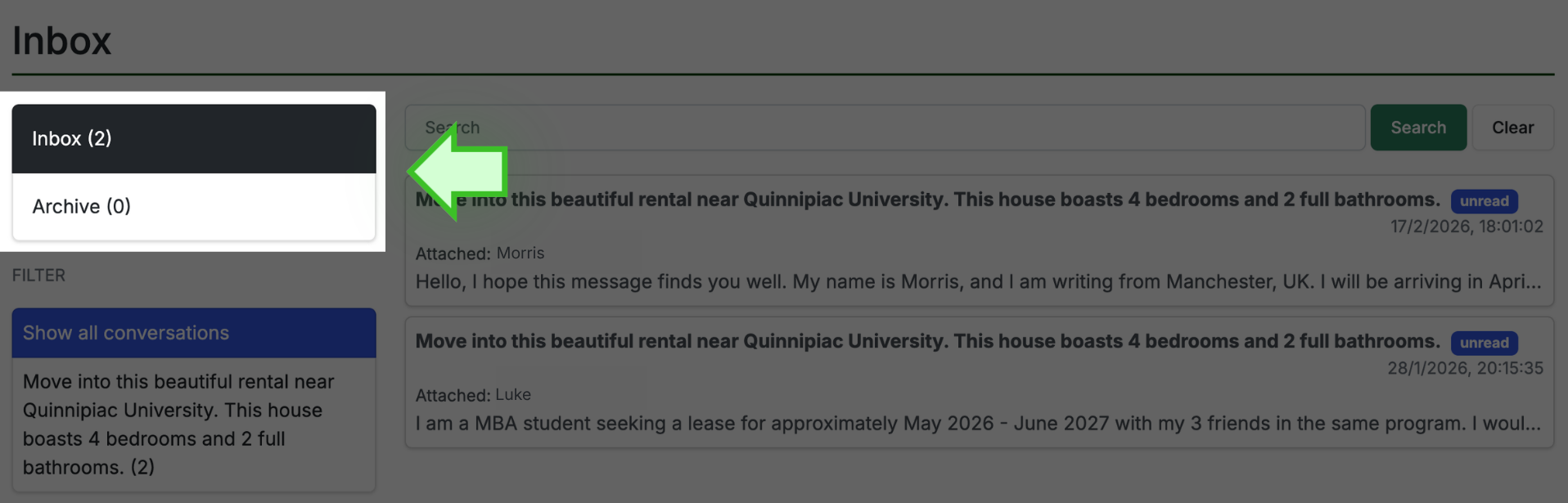
- Click on the message you want to ARCHIVE to open it in a new section. This is the same action used when you are replying to a message.
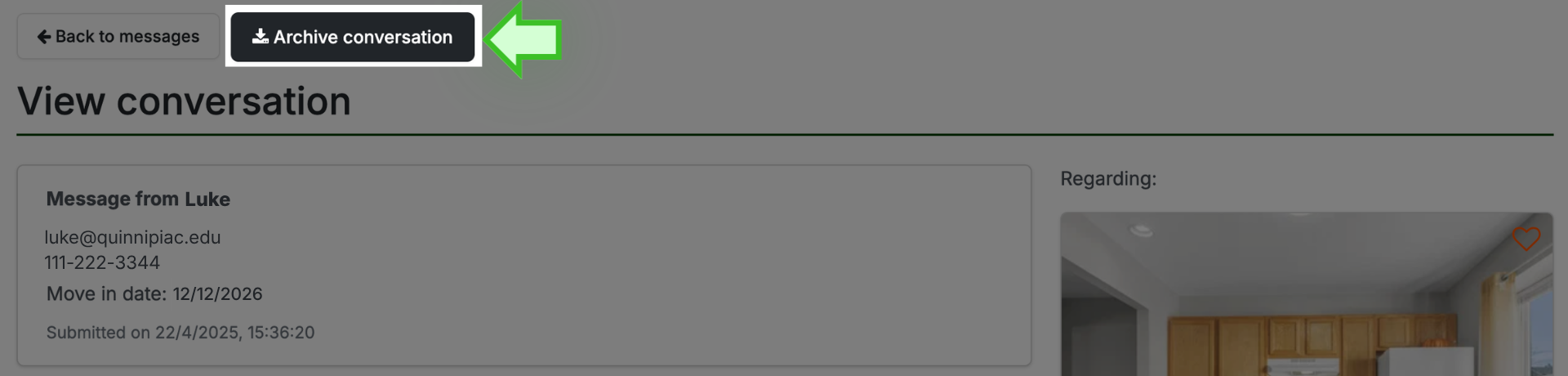
- Once the message is opened, look above for the black ARCHIVE CONVERSATION tab and click it
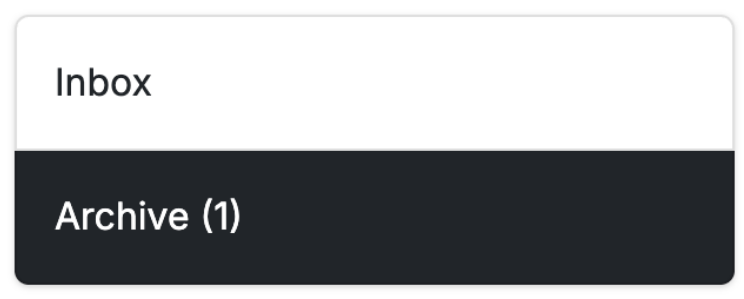
- The message is now removed from you INBOX and stored in the ARCHIVE files
- Now, repeat these same steps for every message that you want to remove from your INBOX.
That’s it!