How Can I Tell If Anyone is Viewing my Rental on the Website?
How can I tell if anyone is viewing my rental on the website?
You can see how many people are viewing your rental listing and how many of those views turn in to inquiries. You can do this by selecting the Analytics tab on your listing’s public page.
To find it follow these steps:
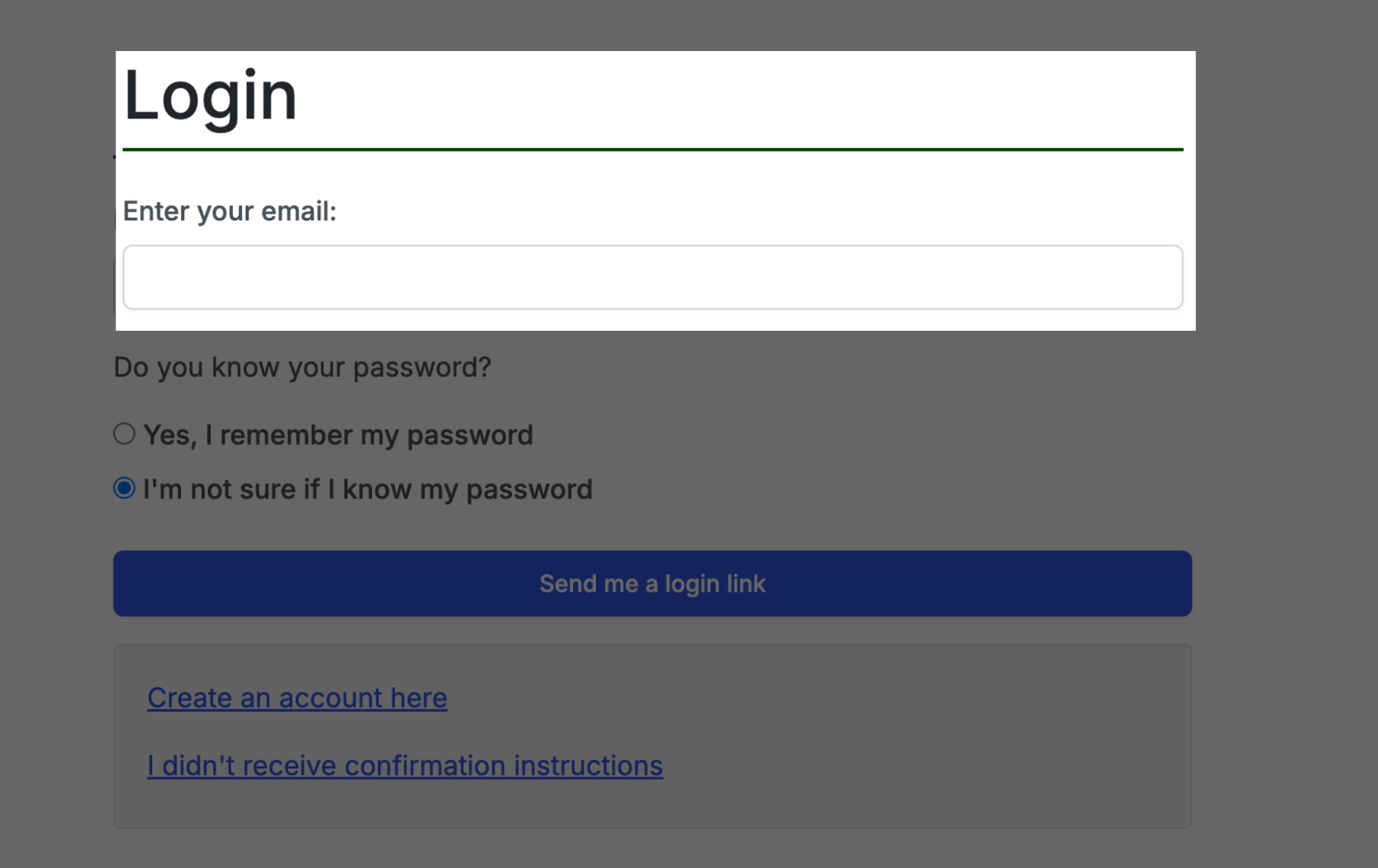
- LOG IN to your account
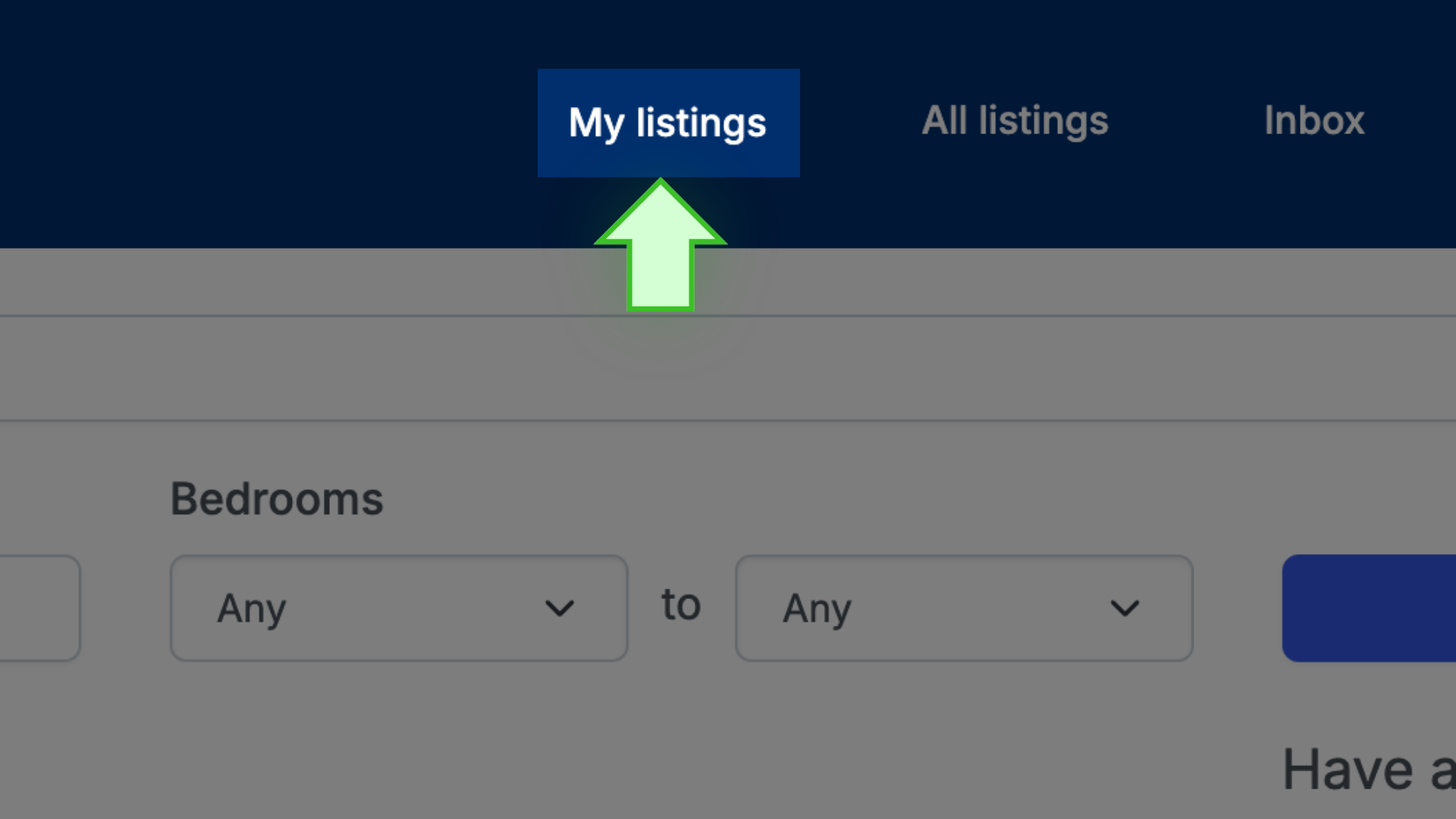
- Go to MY LISTINGS
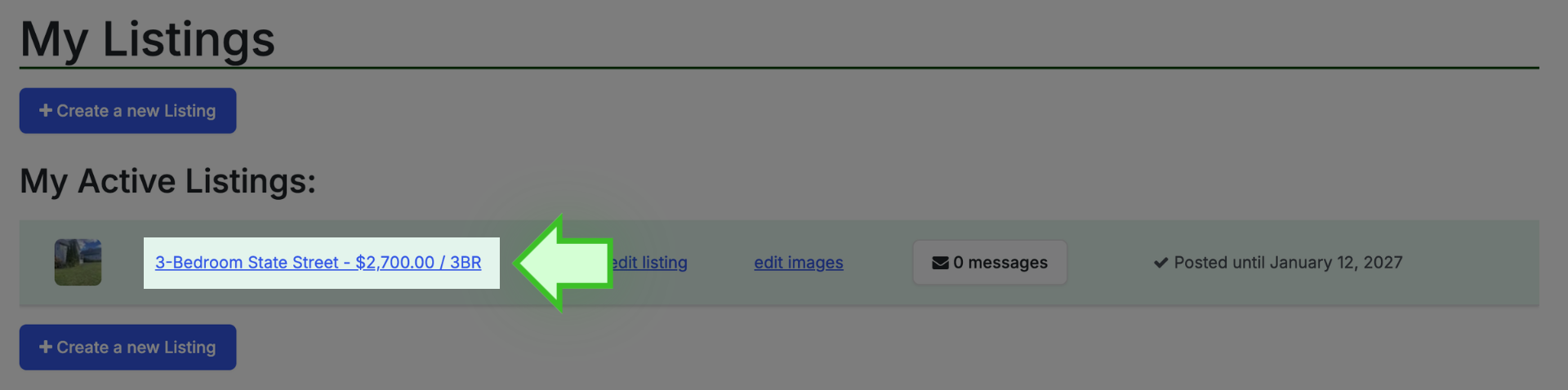
- Click on the address/title of the listing to open the listing’s public page
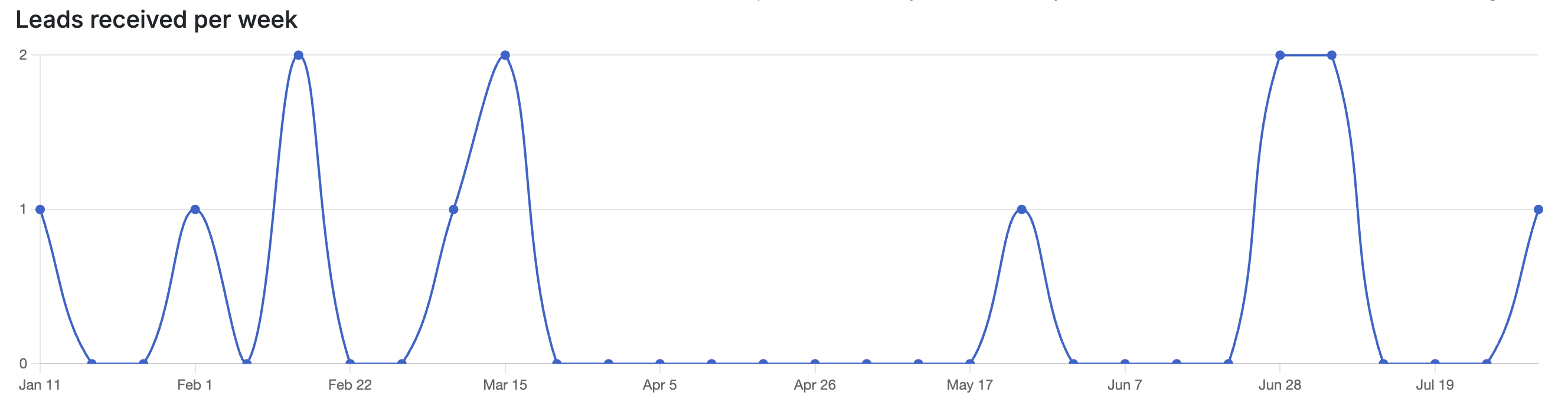
- Above the photo display you will see the ANALYTICS tab (add your own image of analytics tab, and an image of the analytics chart is attached, I searched for and selected one that is busy)
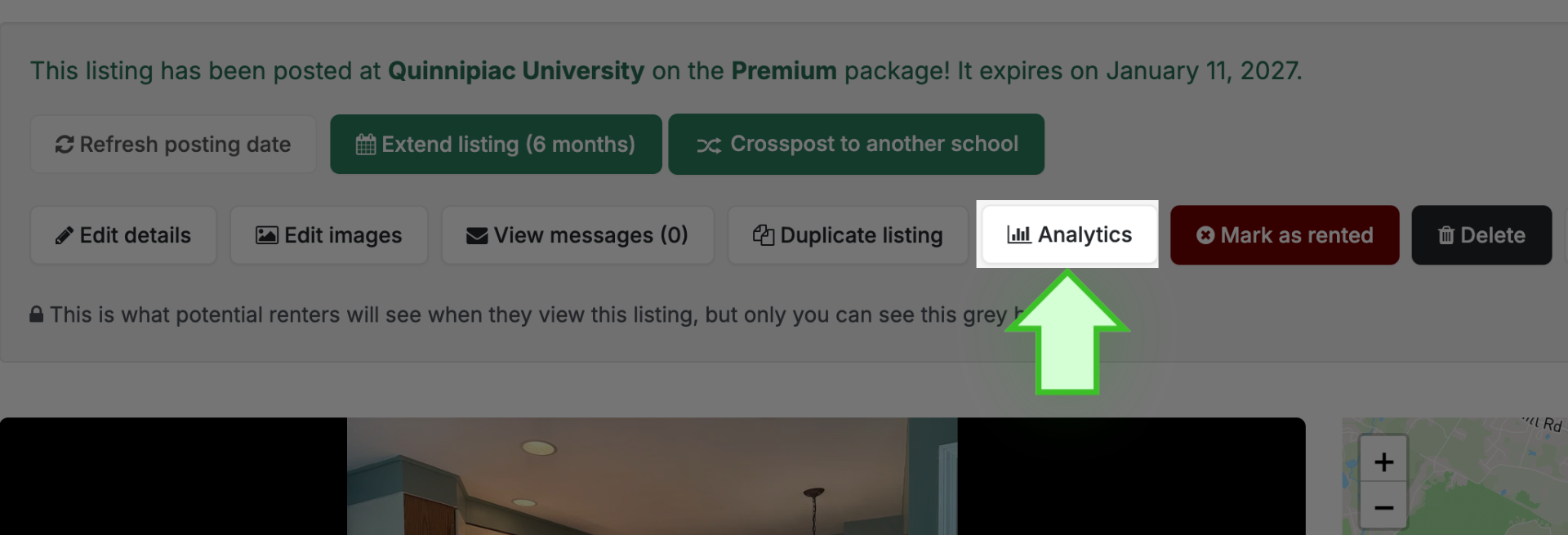
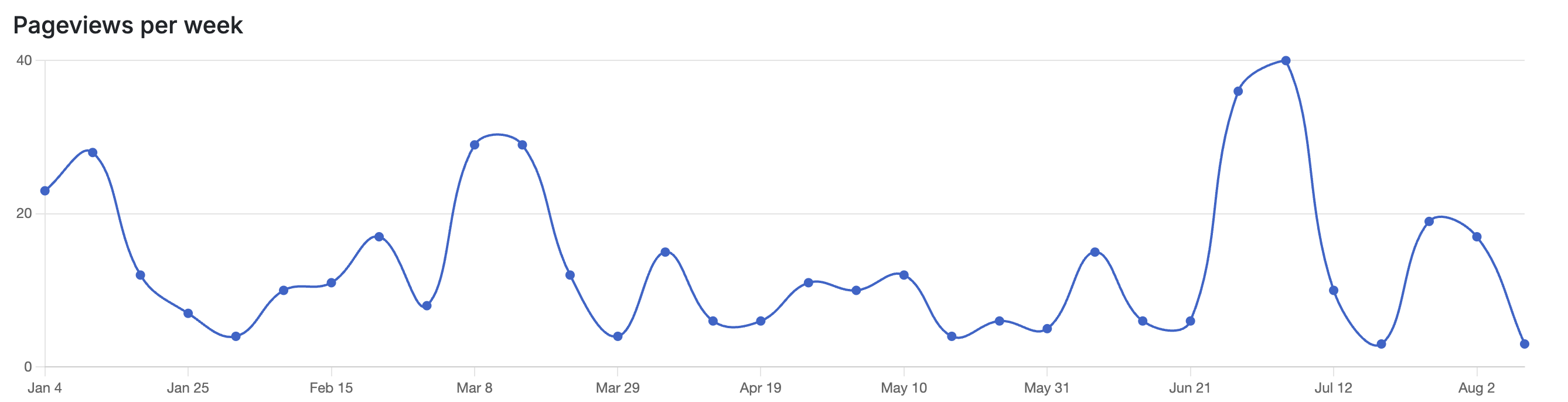
- To see how many people are viewing your listing and how many are expressing interest, click on the ANALYTICS tab:
-
Pageviews: Shows the total number of times potential renters clicked on and viewed your listing. Spikes here help you understand when interest in your property is peaking
-
Leads received: Shows the number of direct inquiries submitted by interested renters. Comparing this with your pageviews helps you see how effectively your listing is turning views into real interest.