
I Forgot My Password
No worries! JumpOffCampus makes accessing your account fast and simple, with or without your password. Follow these steps if you don’t remember your password:
At JumpOffCampus.com, select any college portal to open a new and similar page.
✩ Follow these steps ✩
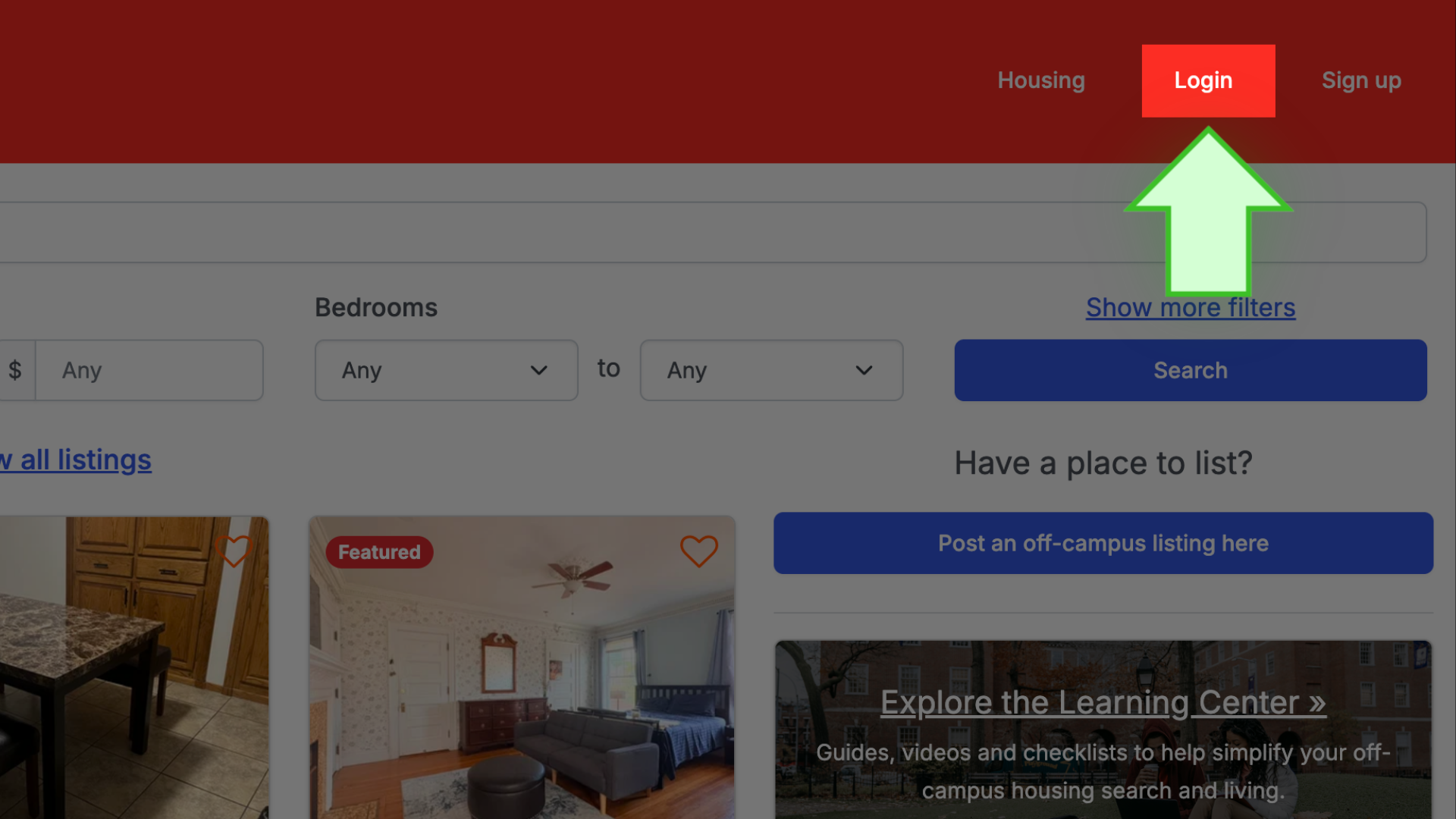
- Select LOGIN
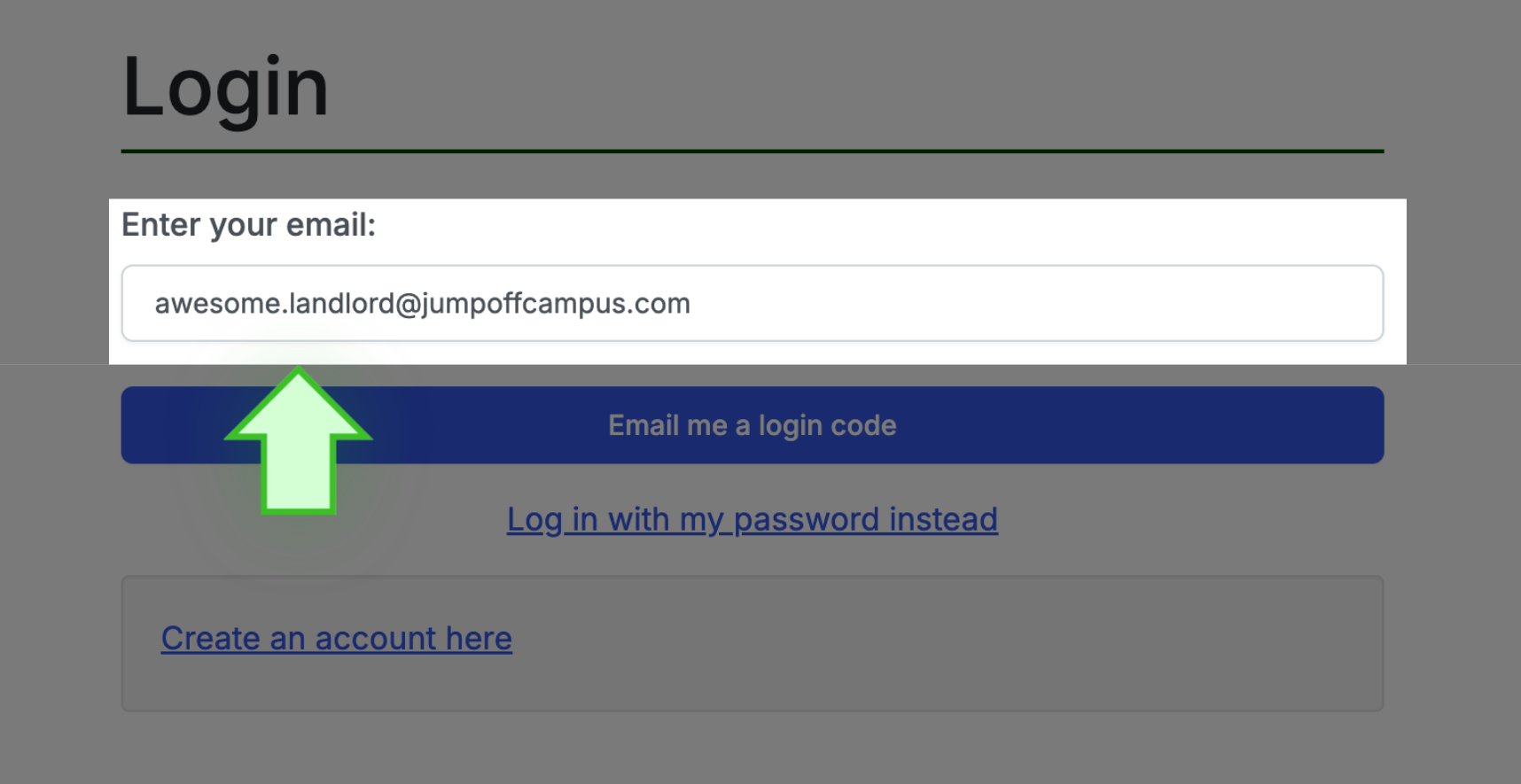
- On the LOGIN page, enter your account email address
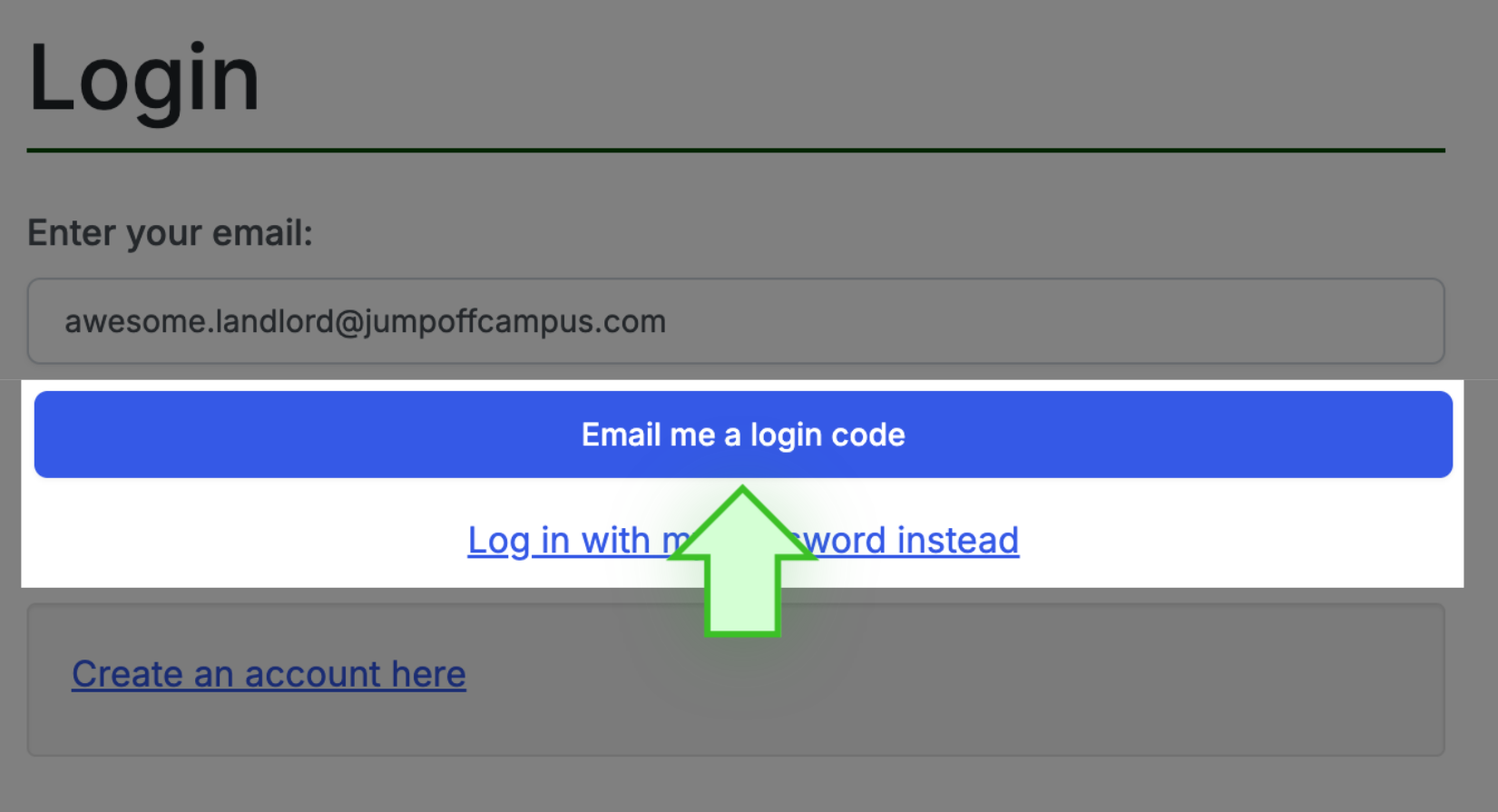
- Select the hotlink that says EMAIL ME A LOG IN CODE INSTEAD
- Then, go to your email and open the email. If you do not find the email, be sure to check your SPAM or JUNK folder.
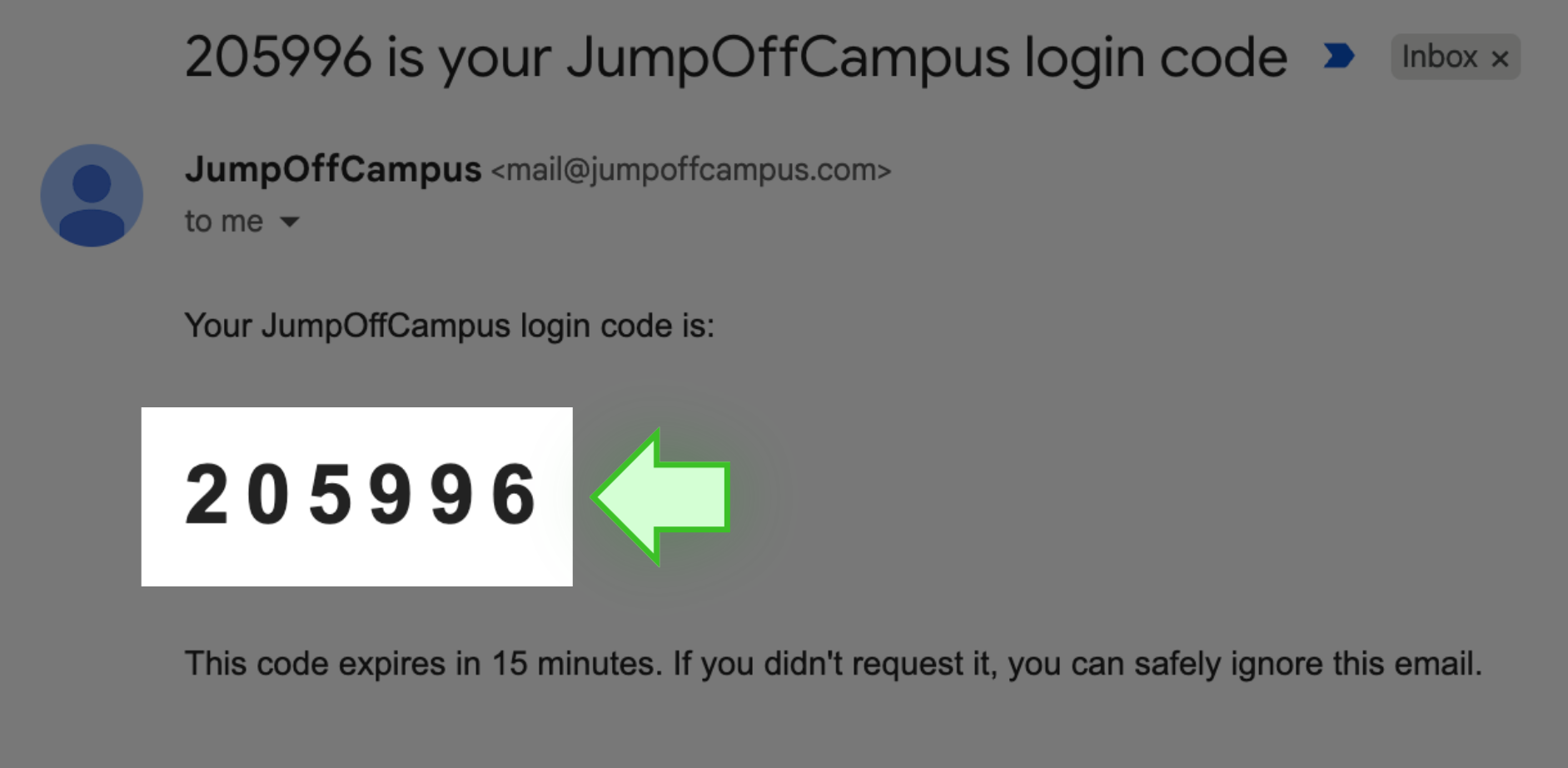
- You will see a SIX-DIGIT CODE
- Enter the code in the box on the LOGIN page
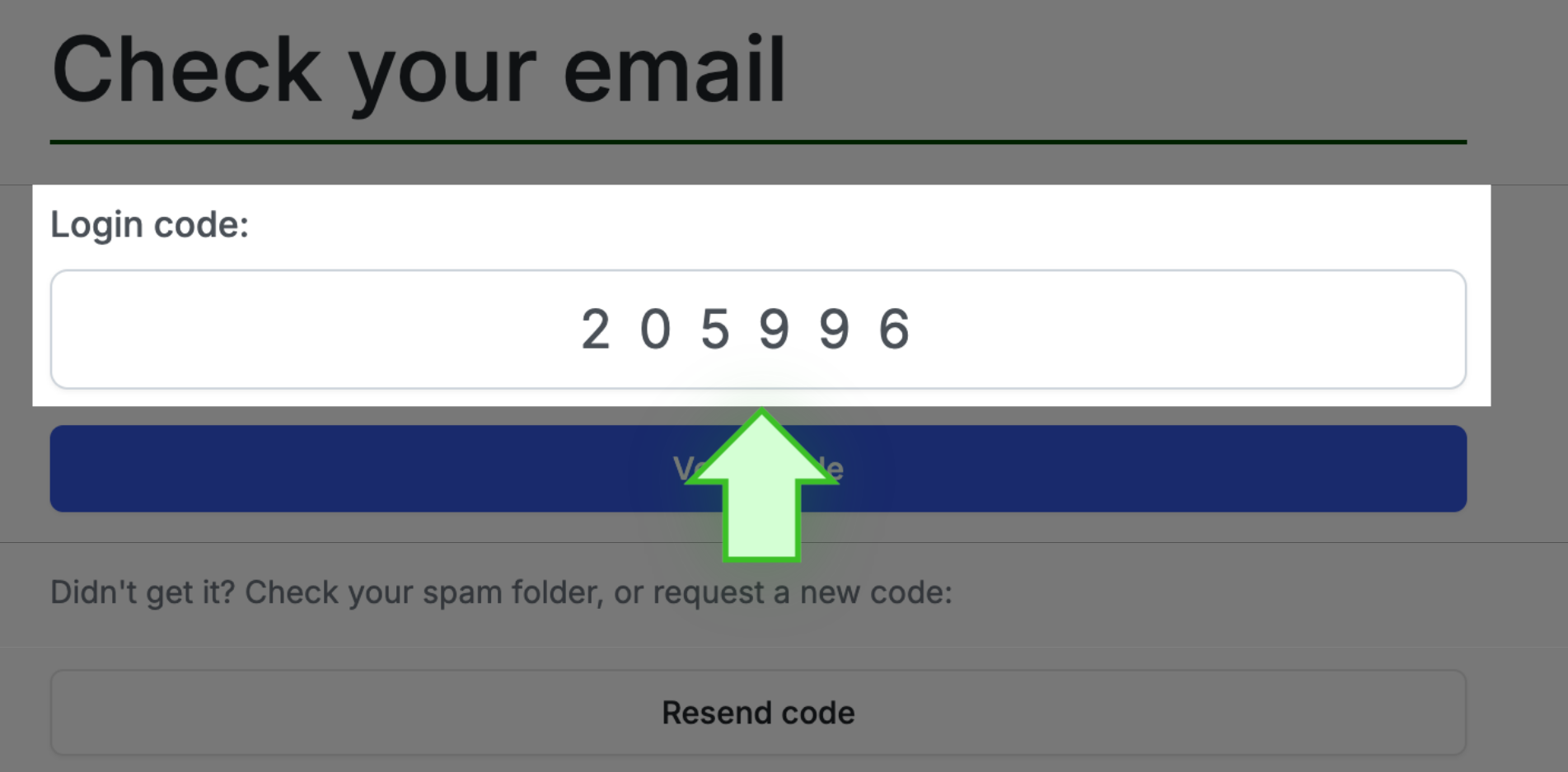
- Select the VERIFY CODE tab
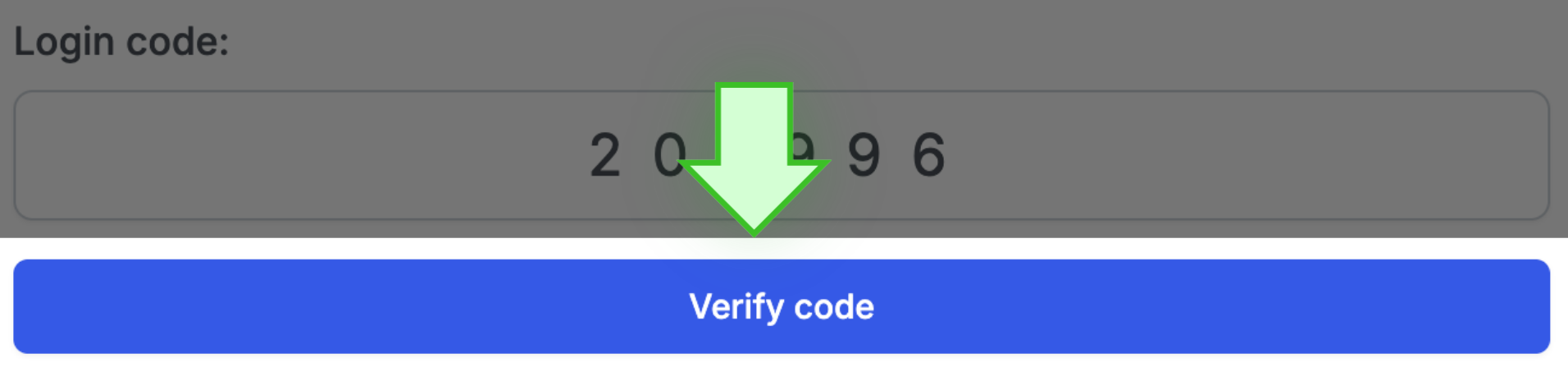
- That’s it, you’re in!
✩ PRO TIP ✩ The code that is sent to you is valid for 15 minutes. If a bit more time
elapses, simply request another code.